Importing Annotations
If you already have annotations saved in a KML file, you can import them into Hub.
-
 . The Map Annotations tool opens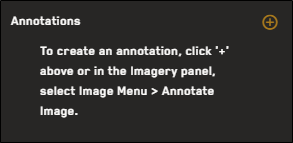
-
Select
 , then select Import. The Annotation Import dialog opens.
 -
To select the file you want to import, do one of the following:
-
Drag and drop a file from your computer into the dotted area.
-
Select Select from Computer. In the dialog that opens, locate the file you want to import, then select Open.
Supported file types:
-
KML
Supported annotation types:
-
polygons (including rectangles)
-
polylines
The file uploads. The imported annotation displays in the Map Annotations tool.
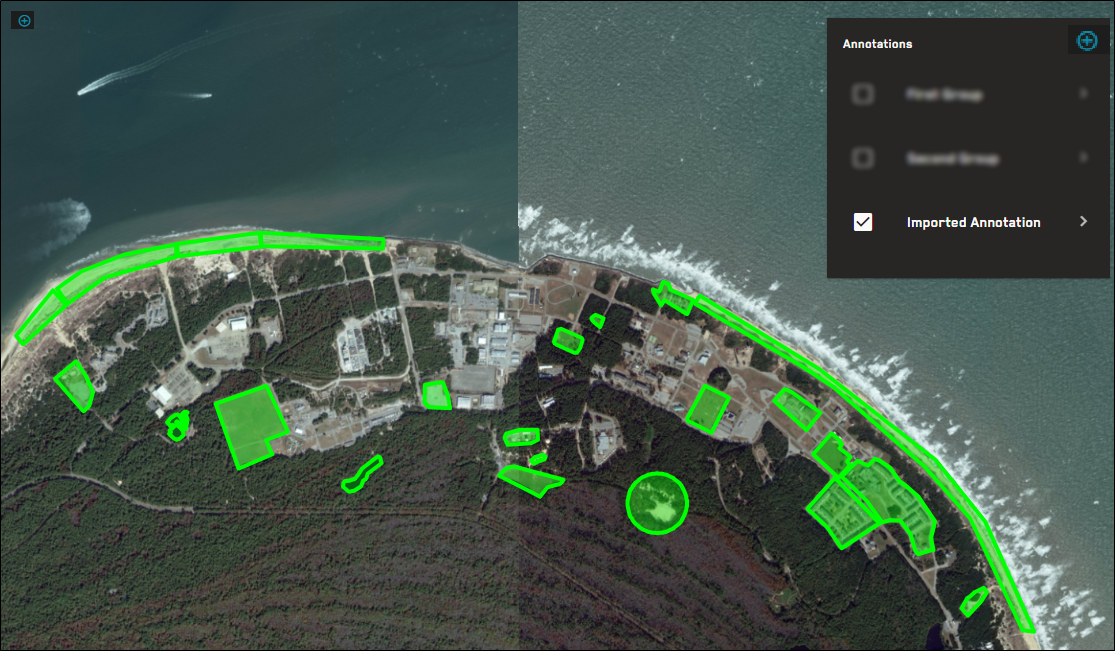
An imported annotation, consisting of several polygons.
By default, imported annotations are named Imported Annotation. Edit the annotation to change the default name. See Editing Annotations.
-